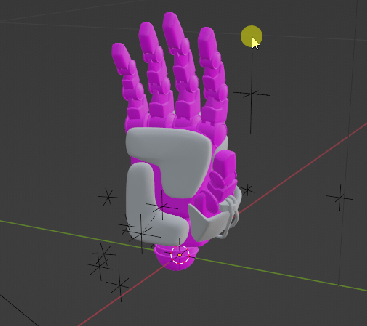
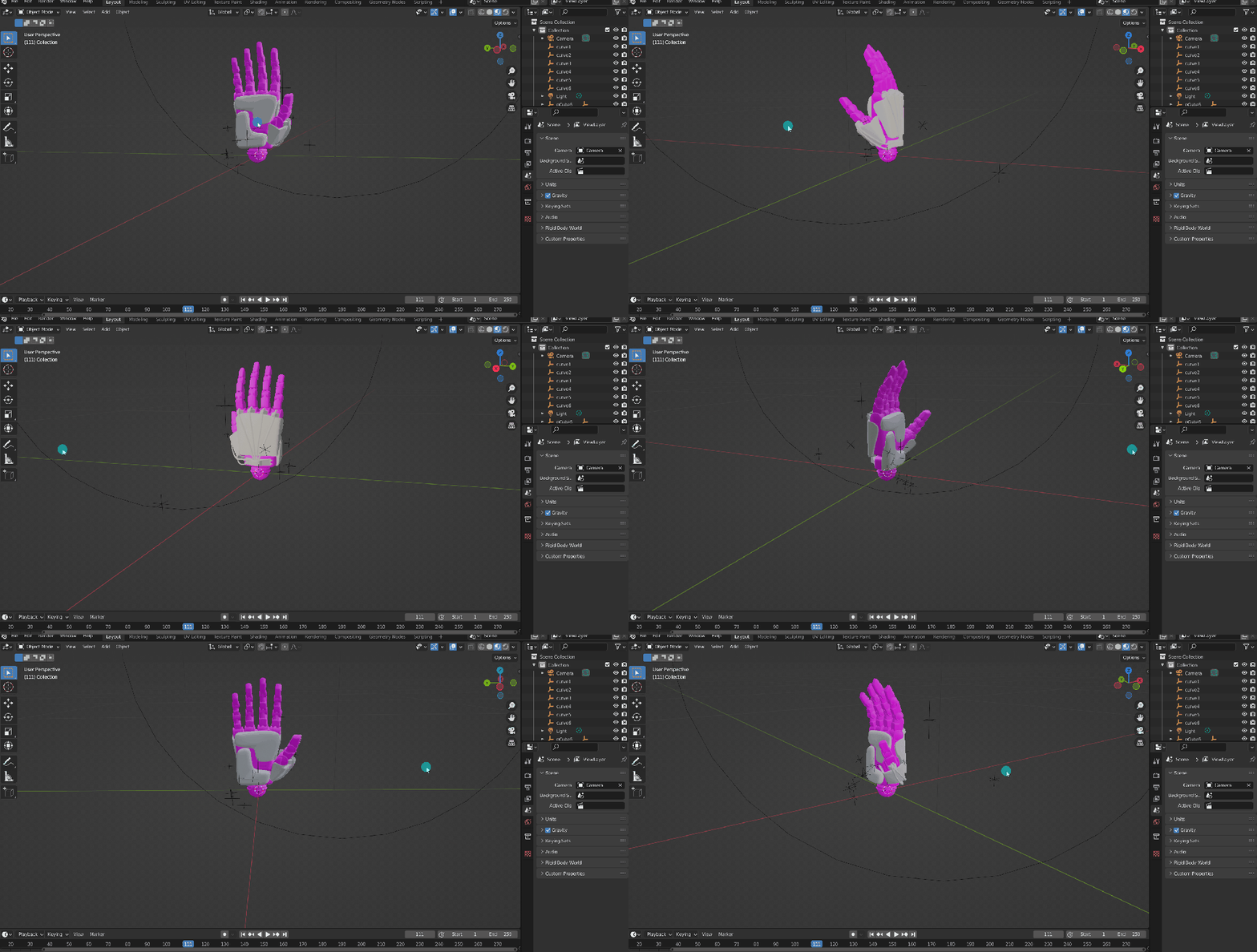
Contrary to popular reddit posts, you’re not screwed. The fix is quite easy.
This is a simple file-path issue that sometimes happens when the source files are moved to a different path. This is often the case with Sketchfab assets or other 3D assets from 3rd party site.
To fix this you simply have to reconnect the textures to their NEW paths. The following gifs will show you the simplest way to do this!
- Select the objects Navigate to the texture in Blender.
- Find the image texture nodes in Blender.
- Navigate to the folder where you are holding your desired texture image.

That’s it! To avoid this issue in the future, its a good practice to keep textures, source, and project files all in the same folder. Happy Rendering!
 NXTLVL Interactive